

Know what every mile of your van trip costs
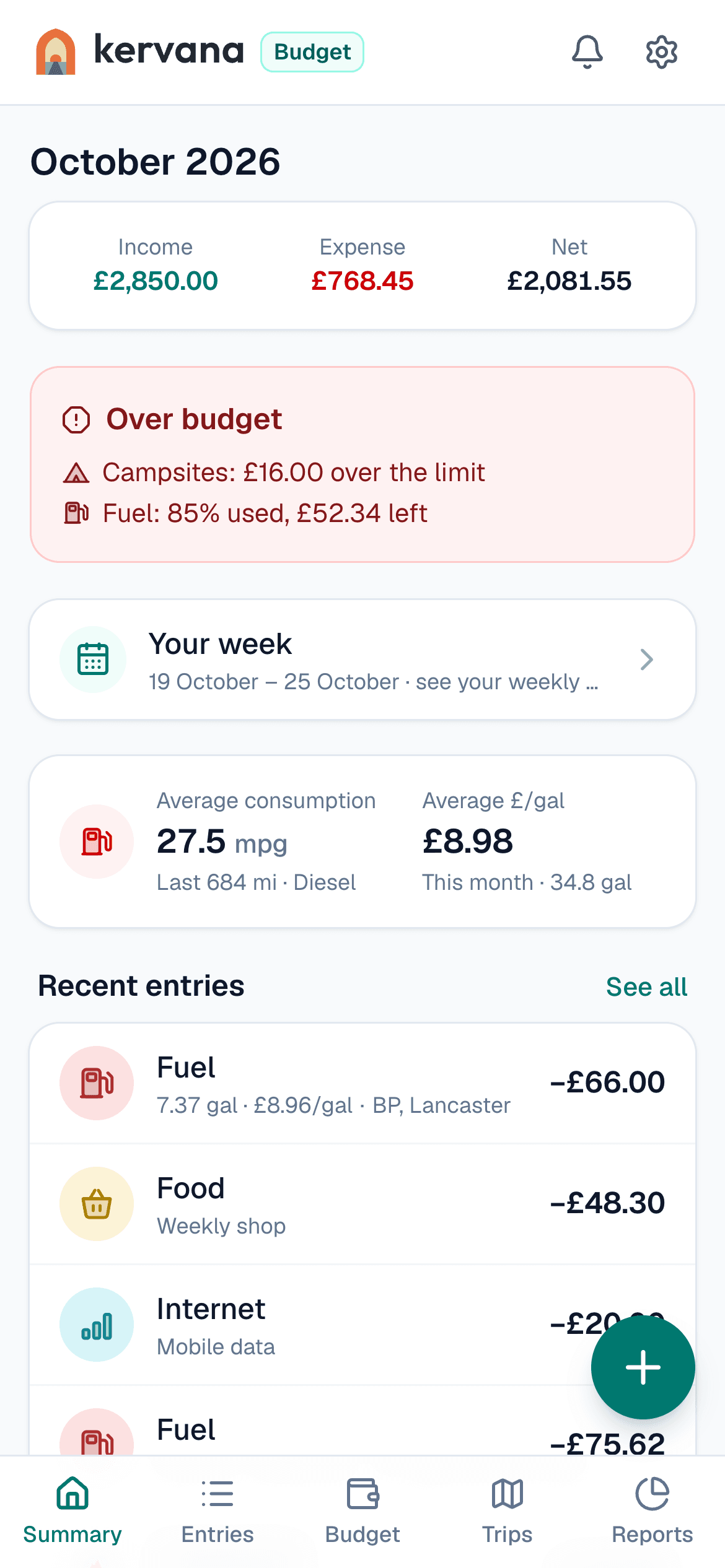
Track fuel, campsites and food on the road. Plan a trip budget and see where you overspend. Free, no location tracking, no ads.
No credit card · sign up in 30 seconds with Google or email · I have an account, sign in
Sound familiar?
Life on the road is freedom. Keeping track of the costs isn’t.
Notebooks don’t survive the road
Receipts get lost in pockets, the spreadsheet stays on the laptop. By the end of the month, where the money went is a guess.
Budget apps don’t know vanlife
Gas refills, campsites, ferries, water… Ordinary budget apps have no place for them, so everything piles up under “Other”.
“What did that trip actually cost?”
When a trip ends without knowing what you spent per day and per mile, planning the next one is hard.
First module: Kervana Budget
Designed for campervan life, not adapted from a general budget app.
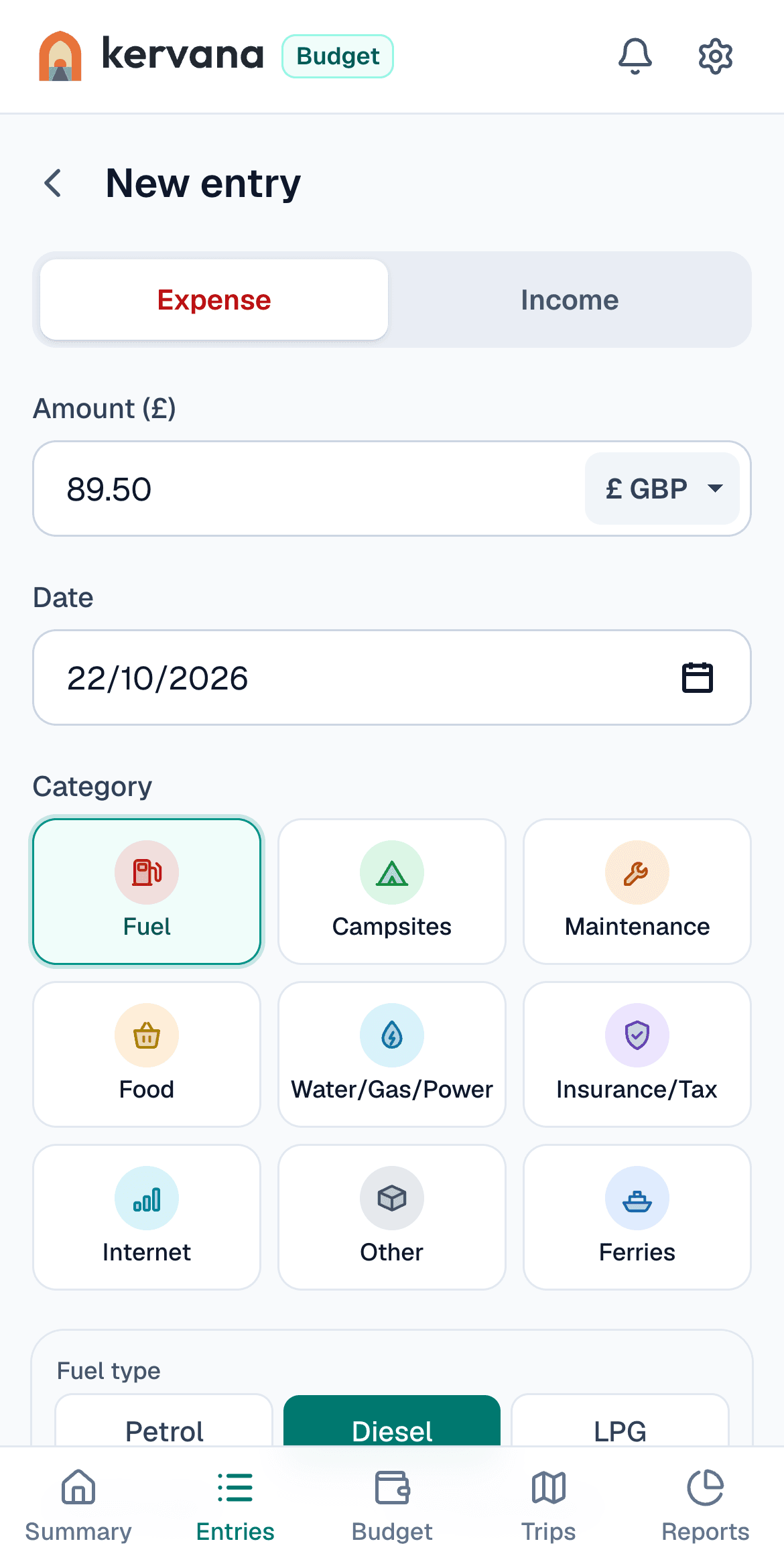
Categories made for campervans
Fuel, campsites, maintenance, water/gas/power, internet… Ready from day one; add your own if you need one (like ferries).
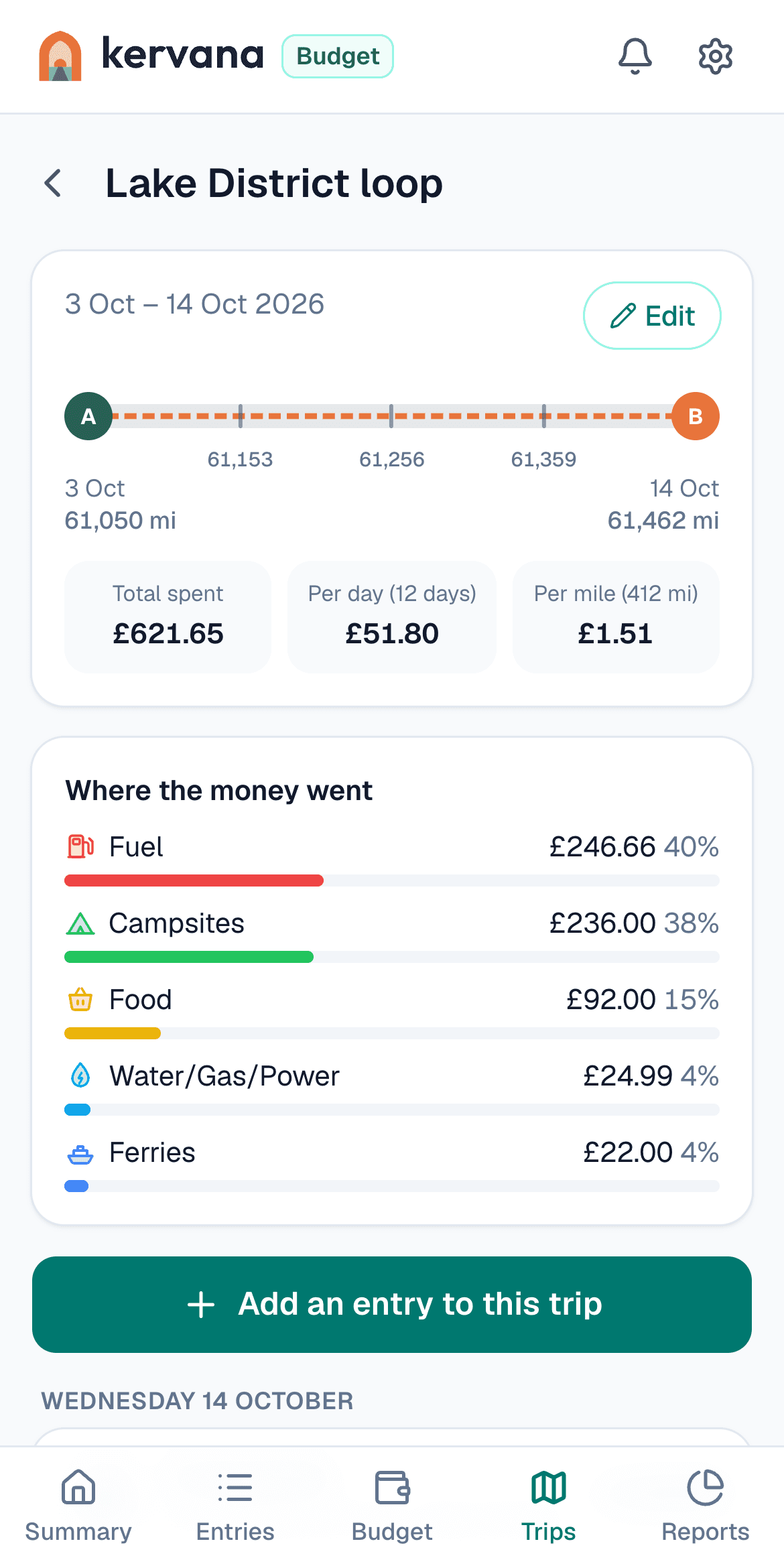
Cost per mile, per trip
Start a trip with its dates and odometer readings, then link your expenses. See the cost per mile, per day and in total automatically, and compare your trips.
Lake District loop · 12 days
412 mi · £1.51/mi
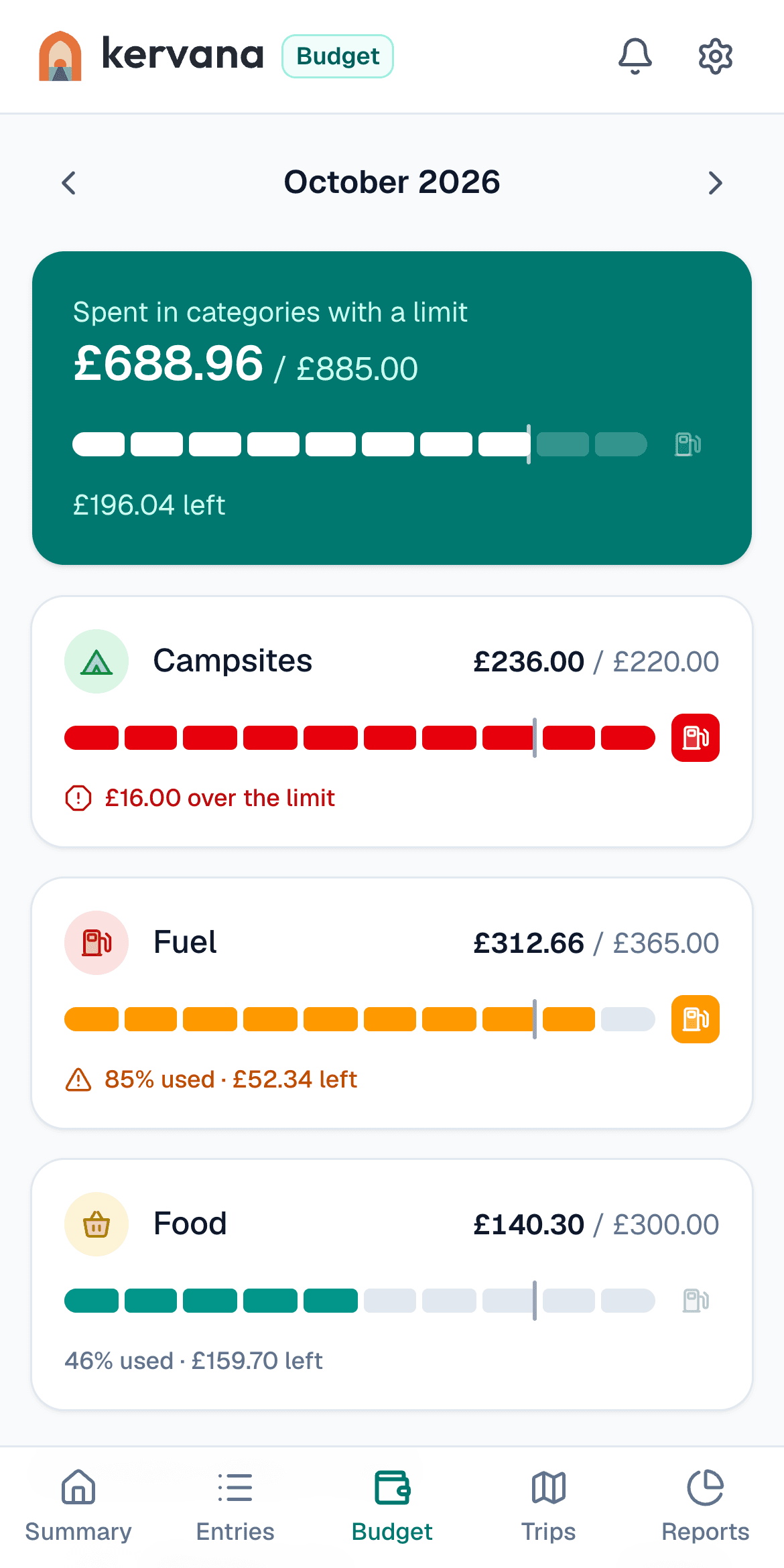
Budget alerts
Set a monthly limit for each category. When spending reaches 80% you get an amber alert, and a red one when you go over.
And more
Fuel in mpg or L/100 km
Enter the quantity and price when you fill up; see your average consumption and what you pay per gallon or litre automatically.
Receipt photos
Snap the receipt and attach it to the expense. No more lost slips or end-of-month searching.
Weekly summary
A short summary every Sunday: how many entries, where you spent the most and how it compares with last week.
Why this app?
From the road, for people who live on it.
Campervan life means freedom, but that freedom has a money side too. Fuel, campsites, maintenance, insurance… There was no app designed around our way of life where we could keep track of it all. That’s why I built Kervana, and I want to grow it together with your ideas.
Trust
Your data belongs to you alone
No location, no ads, no tracking.
We don’t ask for your location and there are no ads in the app. Usage measurement is cookieless; we don’t follow you around other websites.
Locked to your account
Every entry is tied to your account only; database-level access rules don’t let any other user see your data.
Encrypted connection
All traffic between you and the app is encrypted with HTTPS.
Safe even without signal
Your data is stored only in your account, over an encrypted connection. Entries you add offline wait encrypted on your phone until they’re sent.
£ or €, miles or km
Pounds, euros or lira, miles and gallons or km and litres. Installs on your phone like an app.
You can delete your account and all your data for good at any time in Settings. Details: Privacy policy
How it works
How much will your next trip cost?
- 1
Plan the trip
Enter the distance, your van and campsite nights. See the total before you set off.
- 2
Log on the go
Add a fuel stop or a campsite in seconds — even offline, it syncs later.
- 3
See where it went
Compare your plan with what you actually spent, per category and per trip.
Distance, fuel, campsites, food, tolls and ferries: get the total, per day and per mile in seconds. No sign-up.
Open the calculator →Guides
Short, practical reads on what life on the road really costs.
How to Track Campervan Expenses: Fuel, Mileage and Costs
A simple way to track campervan and motorhome spending: what to record, fuel and mileage, cost per trip and per mile, maintenance, and spreadsheet vs app.
Read →Motorhome MPG: Real-World Fuel Economy by Van Type
What mpg does a campervan or motorhome really get? Owner-reported figures for the Ducato, Transporter, Transit and Sprinter, by motorhome size, and what lowers mpg.
Read →UK Campsite Pitch Fees 2026: What a Night Really Costs
What a motorhome or campervan pitch costs per night in the UK in 2026: prices by season, club sites and membership, small CL sites, Brit Stops and wild camping.
Read →
Frequently asked questions
Questions you might have
Is it free?
How do I install it on my phone?
Is my data safe?
Join the early access list
Kervana is live in Turkish. Leave your email and we’ll send you one message when the English version is ready.
What will your next trip cost? This time, know.
Create your account and log your first expense in a minute, with categories made for campervans.
Start tracking free