

Test Kervana on Android
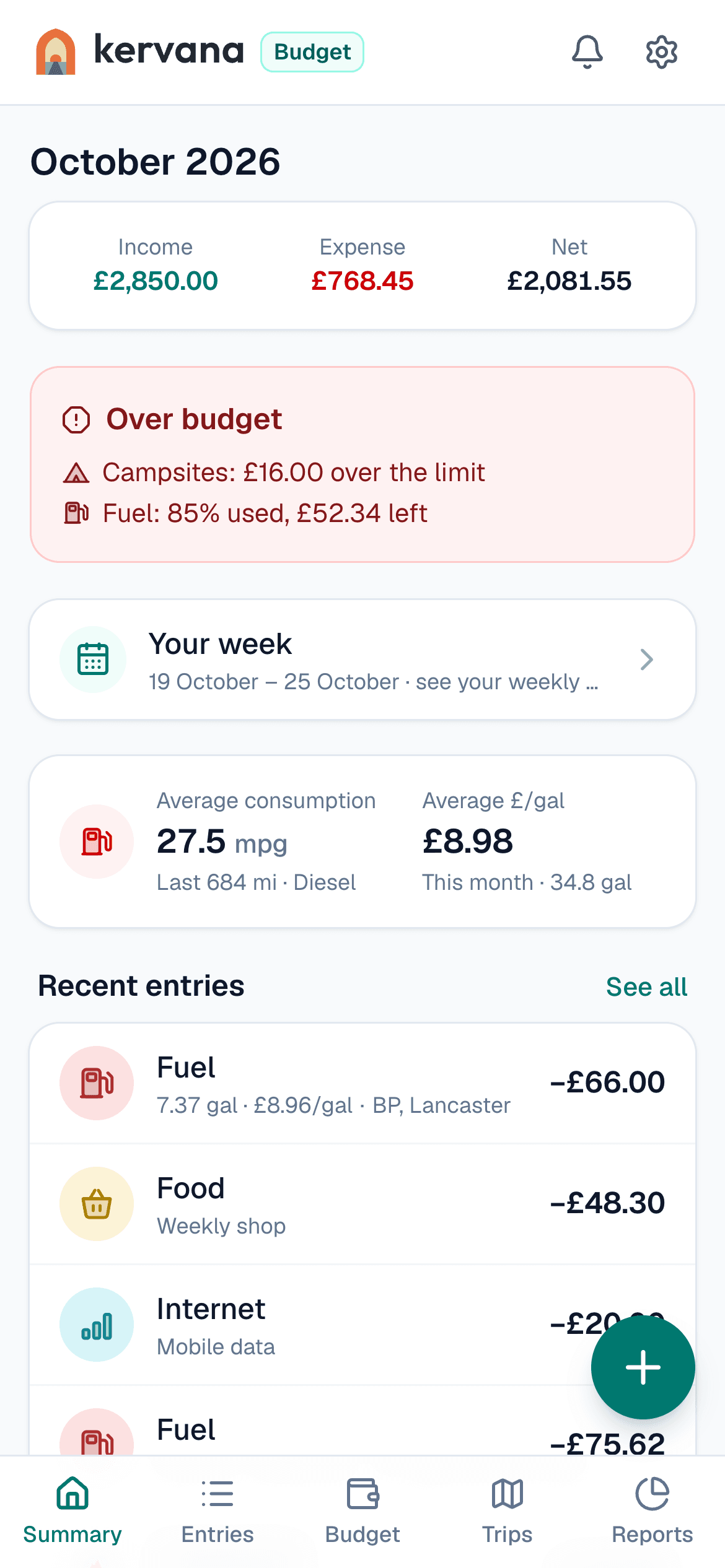
Kervana is a budget app for people who travel or live in a campervan, motorhome or van. Before it goes public on Google Play, it needs testers who keep it installed for 14 days. It takes about two minutes to join.
Use the same Google account in every step. If you join the group with one account and Google Play uses another, the app won't show up for you.
1. Join the Google Group
Open the group and tap "Join group". Only group members can see the test.
Join the group2. Opt in to the test
Open this page on Google Play and tap "Become a tester".
Become a tester3. Install the app
Install Kervana from Google Play on your Android phone. If it says the app isn't available, wait a few minutes after step 2 and try again.
Open on Google Play4. Keep it for 14 days
- Don't uninstall it or leave the test for 14 days in a row.
- Open it now and then: sign up, add an expense or two, set a budget, or plan a trip.
- No ads, and we don't ask for your location.
Feedback
Found a bug or something confusing? Use "Send feedback" in the app, or write to merhaba@kervana.app. Thank you for helping.
— The Kervana team